Make better movies: tips & animation
Plan each movie as a tiny scene list, keep clips short, animate movement instead of cutting hard between stills, and match sound levels between slides. Title and thumbnail decide whether anyone clicks.
Why beginner movies lose viewers
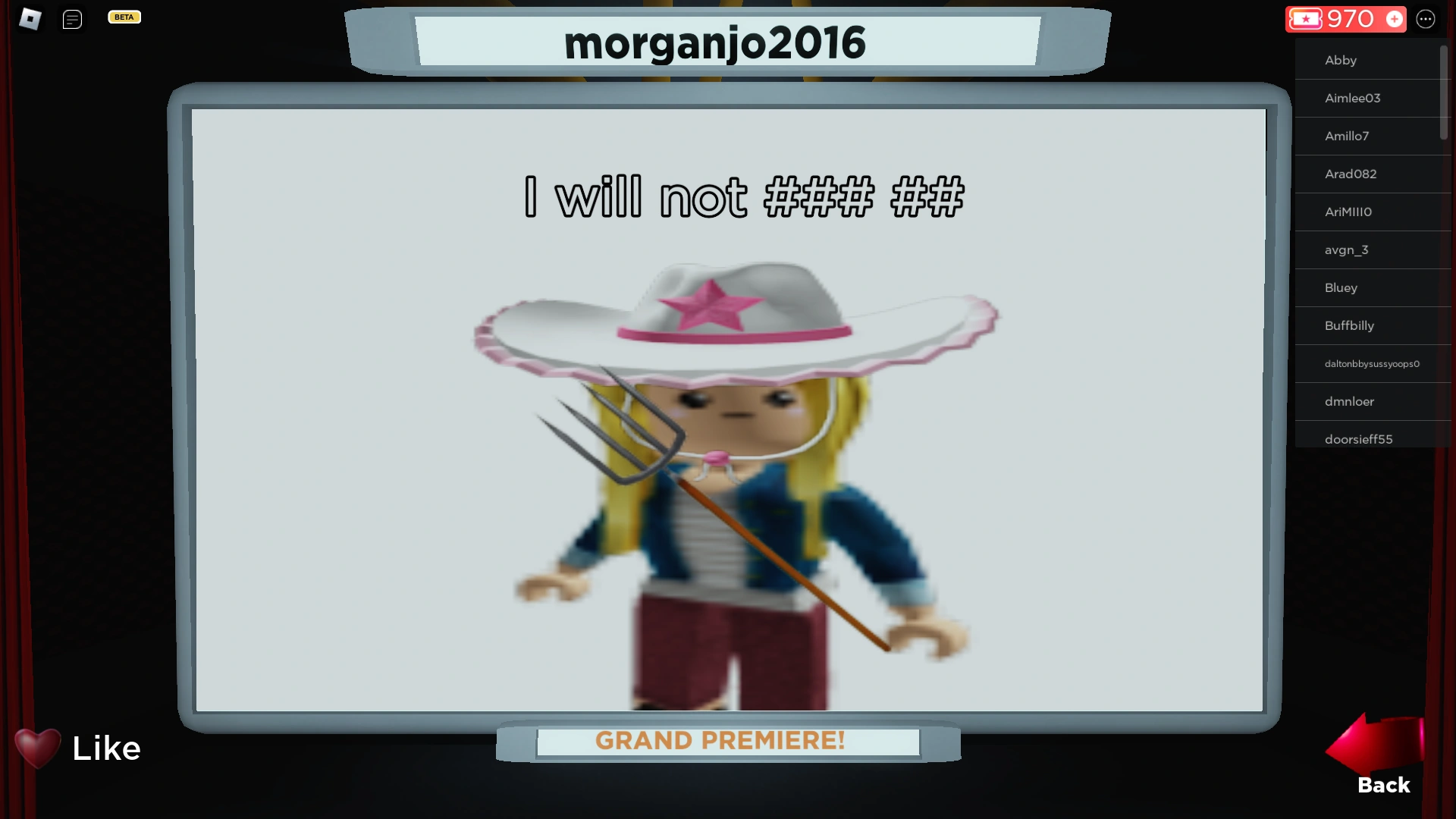
The cinema shows a thumbnail and a title. That is it. Viewers give a movie about three seconds before they move on.
Beginner movies fail in one of two ways: nothing happens at the start, or nothing moves at all. Both are fixable before you publish. Here is the checklist.
10 tips, in the order they matter
1. Do the title and thumbnail first. They are your only advertisement. A question works better than a label — "The Door That Would Not Open" beats "My First Movie". Set the thumbnail to your best-looking slide, not slide one.
2. Cut your first slide. Most beginners open with something slow — a walk-in, a pan across a room. Start where the interesting thing happens. You can explain the setup on slide two.
3. Keep it short. Three to eight slides for a first film. Short movies get finished. Finished movies get liked. Liked movies show up in the feed.
4. Animate one thing per slide. One bouncing character reads as motion. Five bouncing characters read as noise. Learn with Bounce first, then try the other 14 styles.
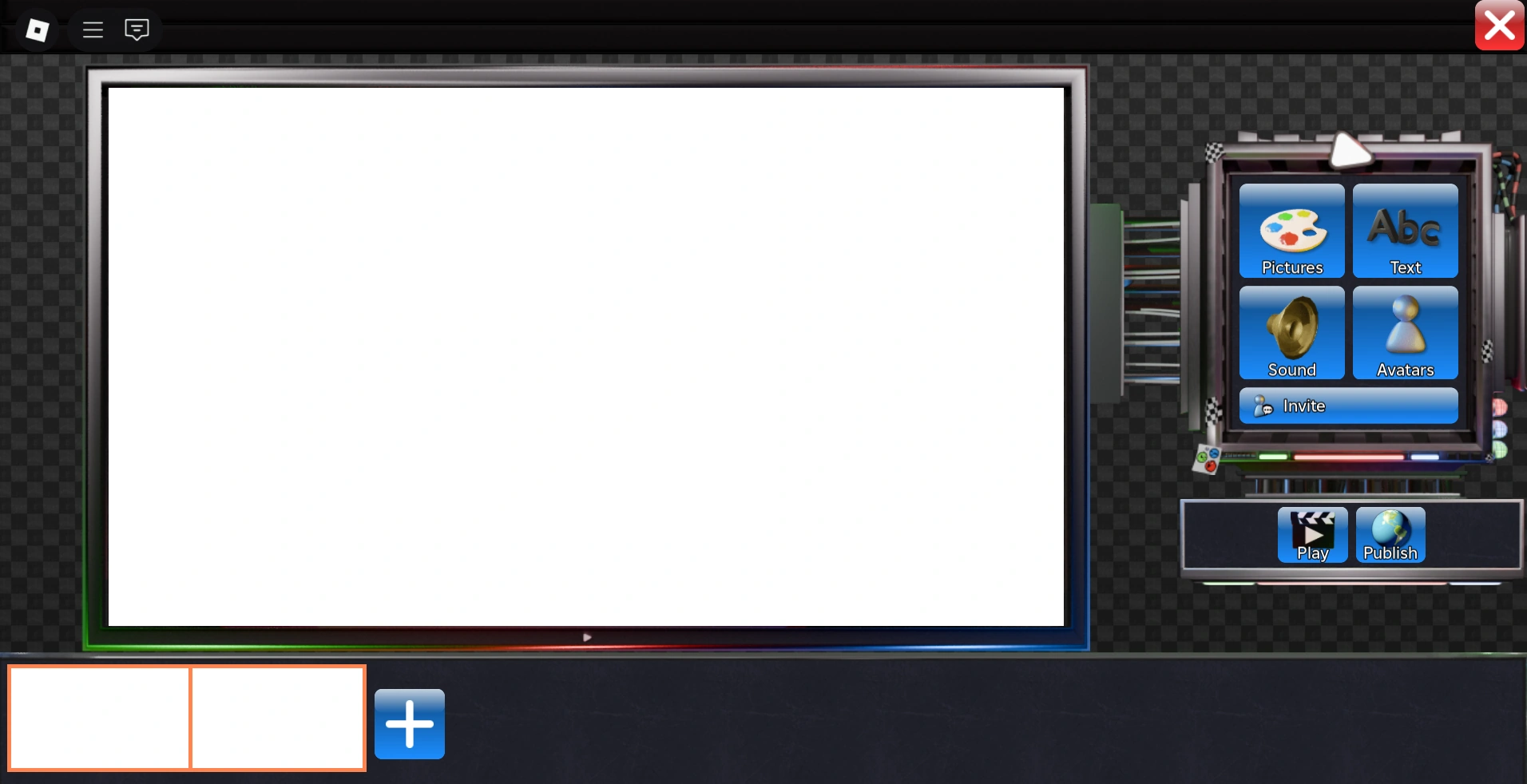
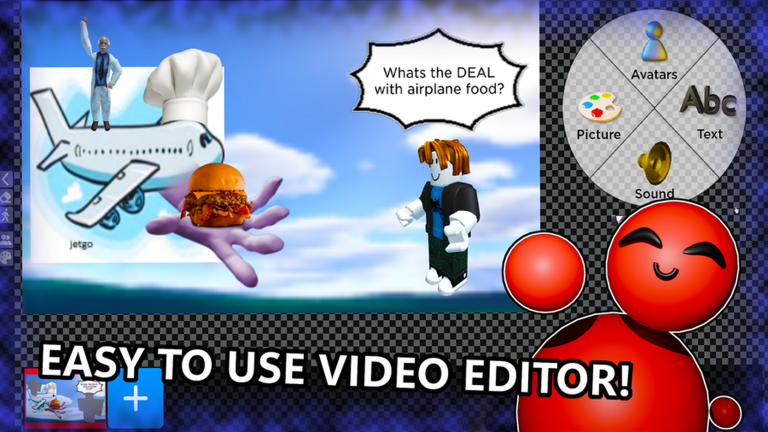
5. Copy slides instead of rebuilding them. The Copy slide button on the timeline is the most useful button in the editor. Build a background-plus-character setup once, copy it, and change only what moves from slide to slide.
6. Match the volume between slides. If slide two is louder than slide three, viewers feel something is off even if they cannot say what. Set all music before publishing, not after.
7. Put text where the eyes already are. Big titles up top, captions lower. If the background behind text is busy, put a panel under the text — do not just make the font bigger.
8. Use effects as punctuation. An effect on the last beat of a scene lands well. An effect on every slide becomes wallpaper. Fewer, on purpose.
9. Watch your movie five minutes later. Right after publishing, everything looks fine — excitement hides flaws. Wait, then watch it like a stranger. The slow parts jump out immediately.
10. Study the feed like a filmmaker. Open the Movies menu and watch what the most-liked movies do. How long is each slide? When does the music change? What do their covers look like? Copy structure — not content.
The 10-minute polish routine
Run this before publishing anything you care about:
- Play the whole film. Note where your attention drifts.
- Cut the slide where it drifts — it is usually one of the first two.
- Fix one animation instead of adding a new one.
- Level the music and re-check the first three seconds.
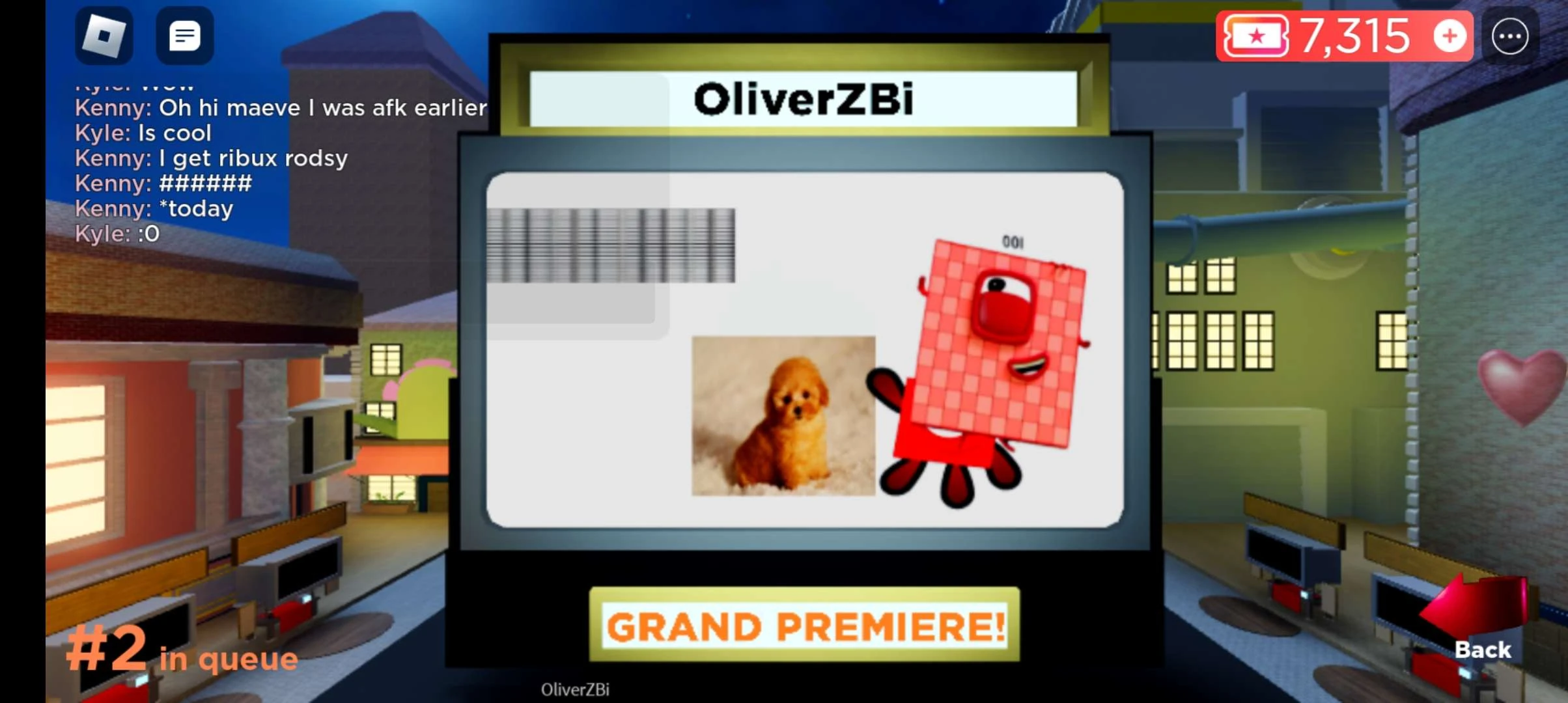
- Publish, then watch it once in the actual cinema — that is how the audience sees it.
Most of the gap between a first movie and a good movie is just this routine, run twice.
Learning beyond this site
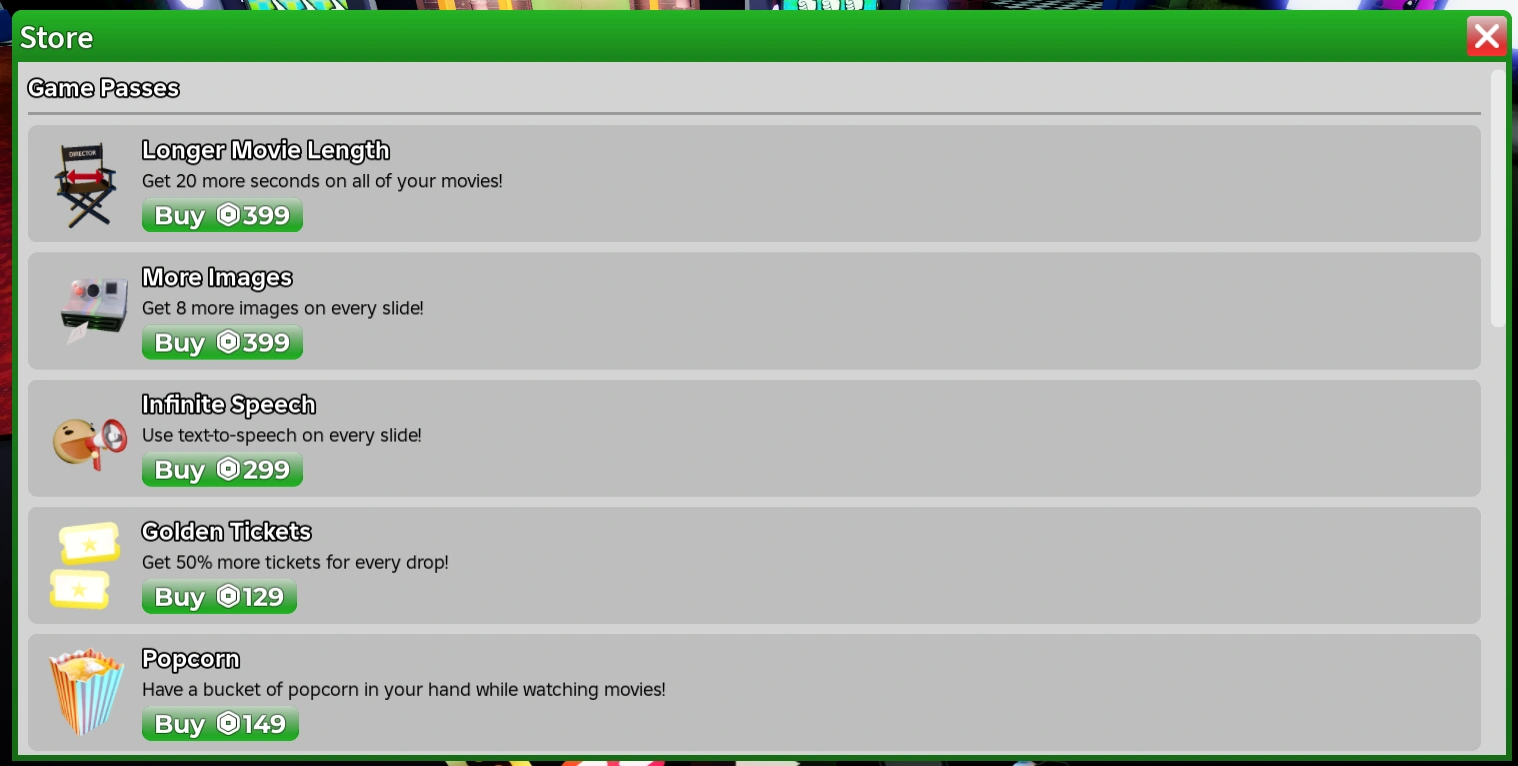
The best teachers are the movies themselves. Follow creators whose movies you finish watching, and check their early movies too — you will see exactly what practice did. The editor guide explains the tools this page mentions, and Tickets and game passes covers what is worth buying once you are ready to invest.